

G’day, it’s AB. Today, let’s explore Canvas Mode.
Canvas Mode is a feature built into many of your favourite tools. OpenAI has it, Google’s Gemini has it too. It’s a button you might not have explored yet, but it’s absolutely worth a try.
At its core, it turns a back-and-forth chat into a document editing experience. Just like Word, Pages, or Google Docs, it lets you refine your writing directly, instead of stepping through a conversation line by line.
Now, you might think, “That’s fine, I can do that in one go.” But as your chats or prompts get longer, editing just the first paragraph gets harder. Fixing an email through conversation might be straightforward, but once you’re in document polishing mode, you don’t want things changing up the top where you can’t see them.
That’s where Canvas Mode comes in handy.
You can open it in two ways. The easiest is to click the Canvas Mode button in your chat window. You’ll find it down near the tools like web search or advanced reasoning. Thankfully, most platforms stick with the name “Canvas Mode”.
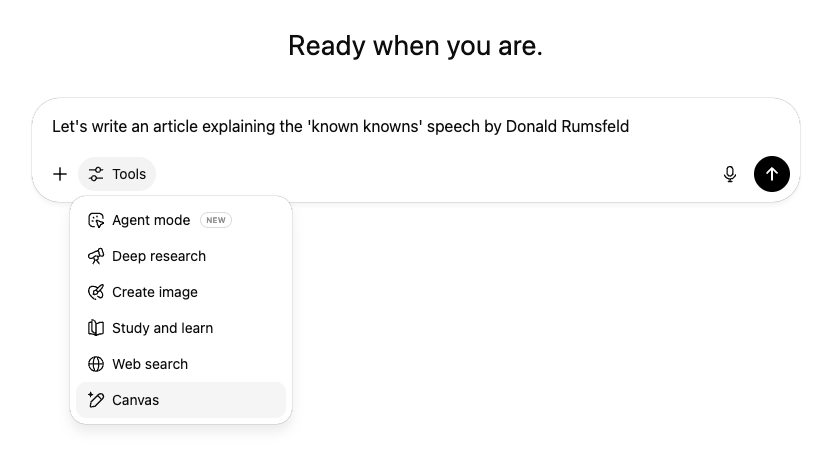
The other way is to ask for it. If you’re in a chat and want to switch to editing, just say something like, “Open that last response in canvas mode.” You might need to try a couple of different phrasings, but the key words are “canvas” or “canvas mode”.
Once it opens, your screen will expand and your most recent response will fill the page.
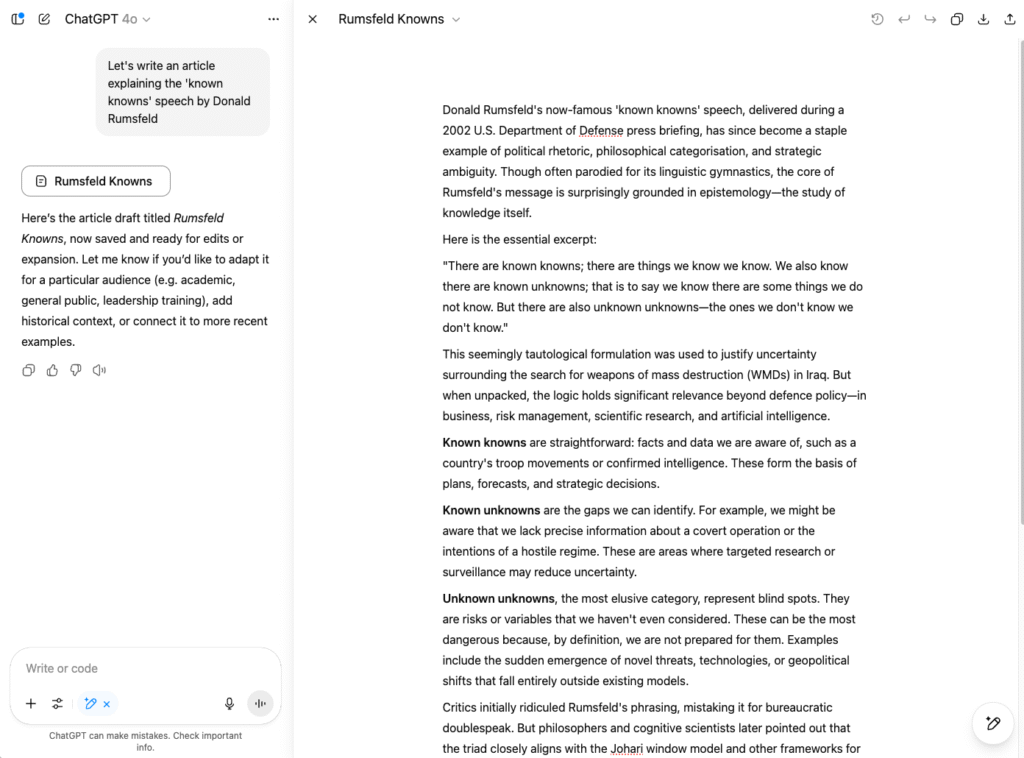
From there, it works like a regular text editor. You can highlight sections, retype directly, and make changes as you go.
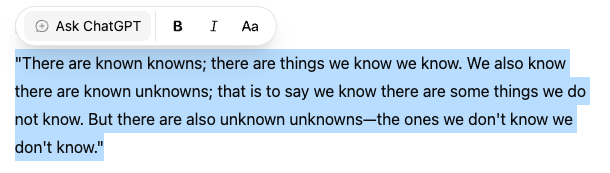
The chat window stays off to the side, which gives you two ways to work. If it’s just one paragraph that needs fixing, highlight it. A little popup will appear where you can ask for specific changes, like “rewrite this”, “make it clearer”, or “rephrase this part”.
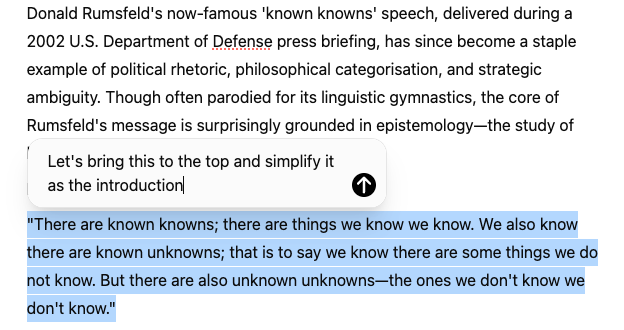
If you need to change the whole document, just ask in the chat. It can rewrite large sections, reflow paragraphs, or make broader adjustments.
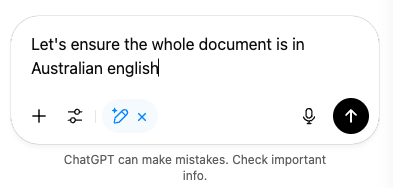
So you get the best of both worlds. Full-screen editing when you want to type, and whole-of-document support when you want to prompt.
You can be specific. You can be broad. And you get to choose how and when to ask for help.
Give it a go. Looking forward to seeing what you create.